Guest Suite
Name the suites and set nightly rates
Who this is for: Admin
Admin
Tap Admin → Suites.
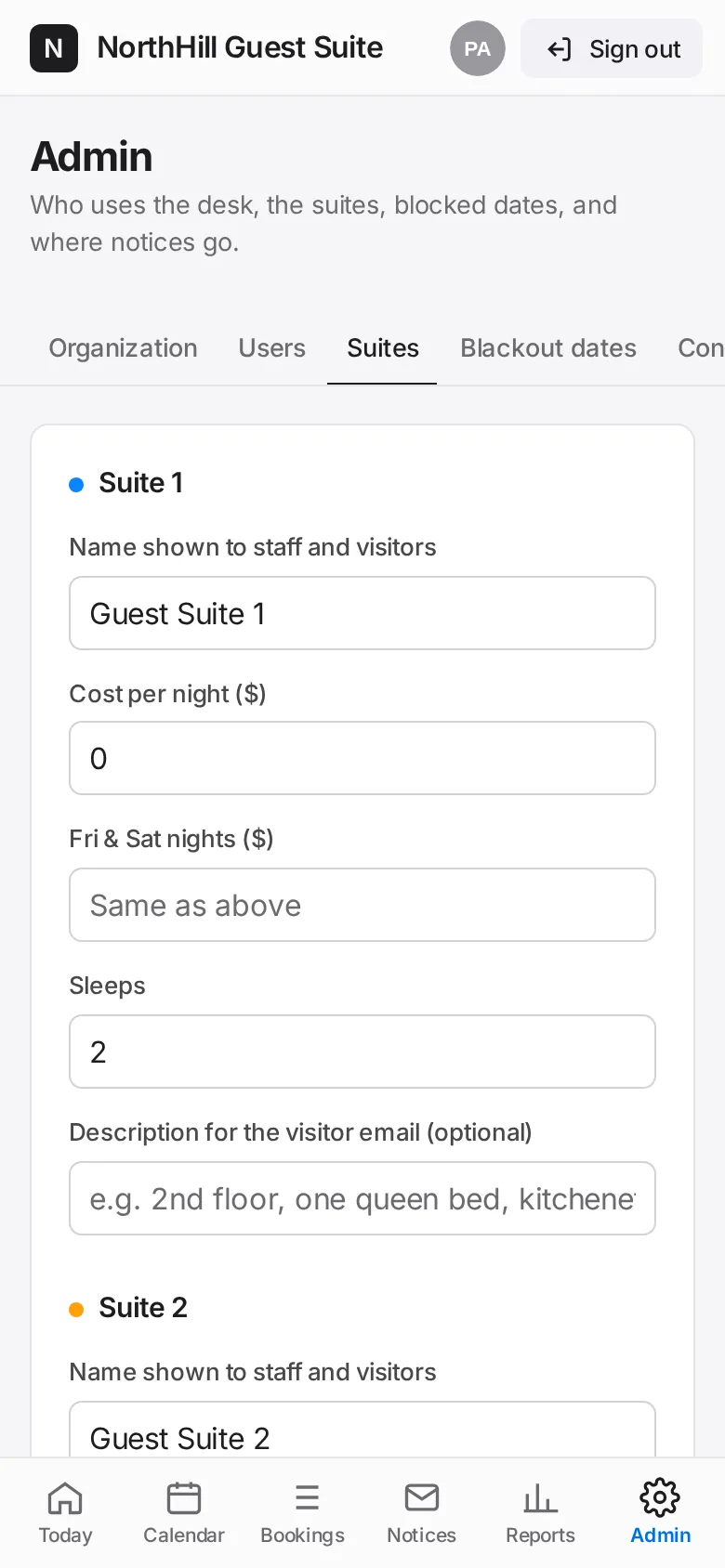
For each suite enter the name shown to staff and visitors, the cost per night, the Fri & Sat rate, how many it sleeps and an optional description for the visitor email.

Tap Save suites and rates. New rates apply to new bookings; existing bookings keep the price they were booked at.