Guest Suite
Sign in and sign out
Who this is for: Admin, Manager, Concierge, Viewer
AdminManagerConciergeViewer
Each staff member has their own account, so the audit log shows who did what.
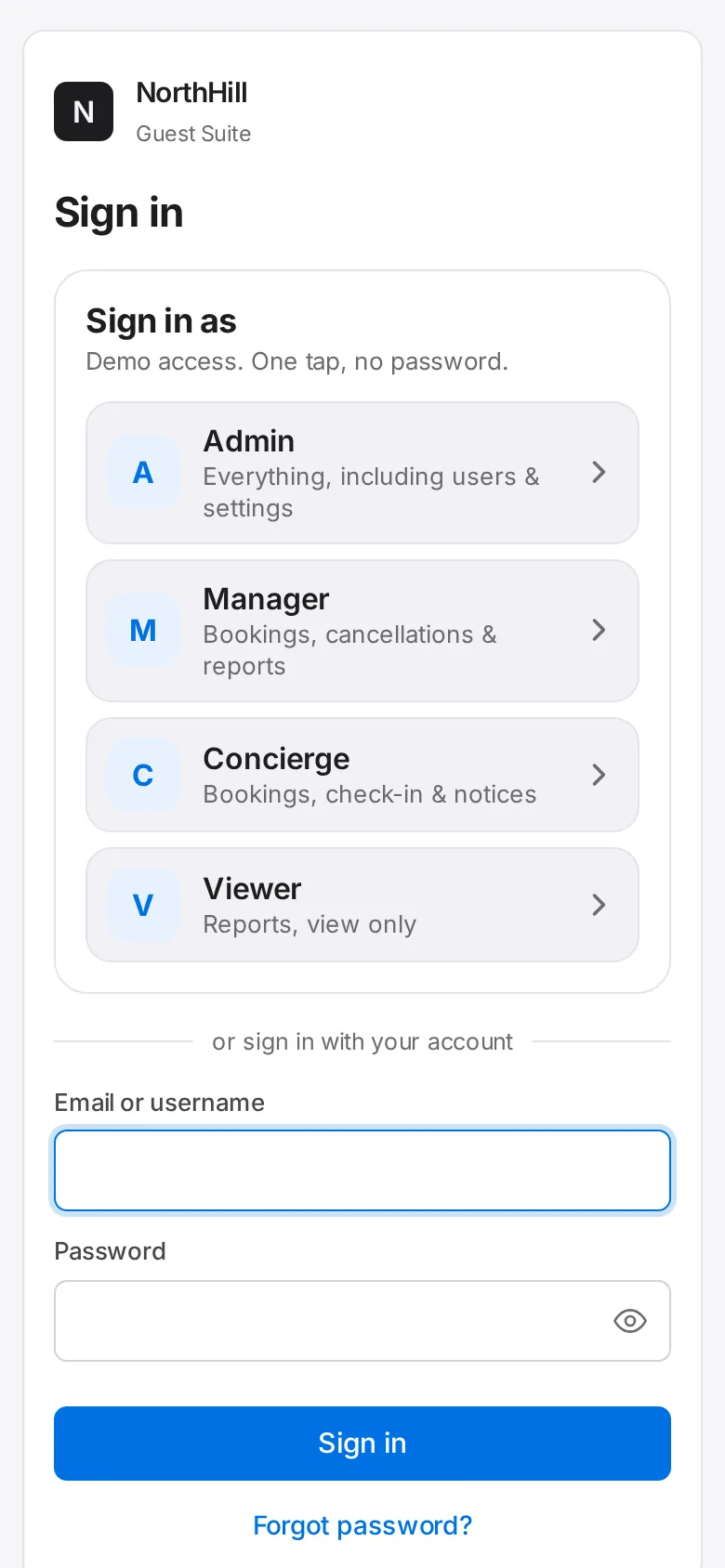
Open the Guest Suite address your admin gave you. Enter your email or username and your password, then tap Sign in.
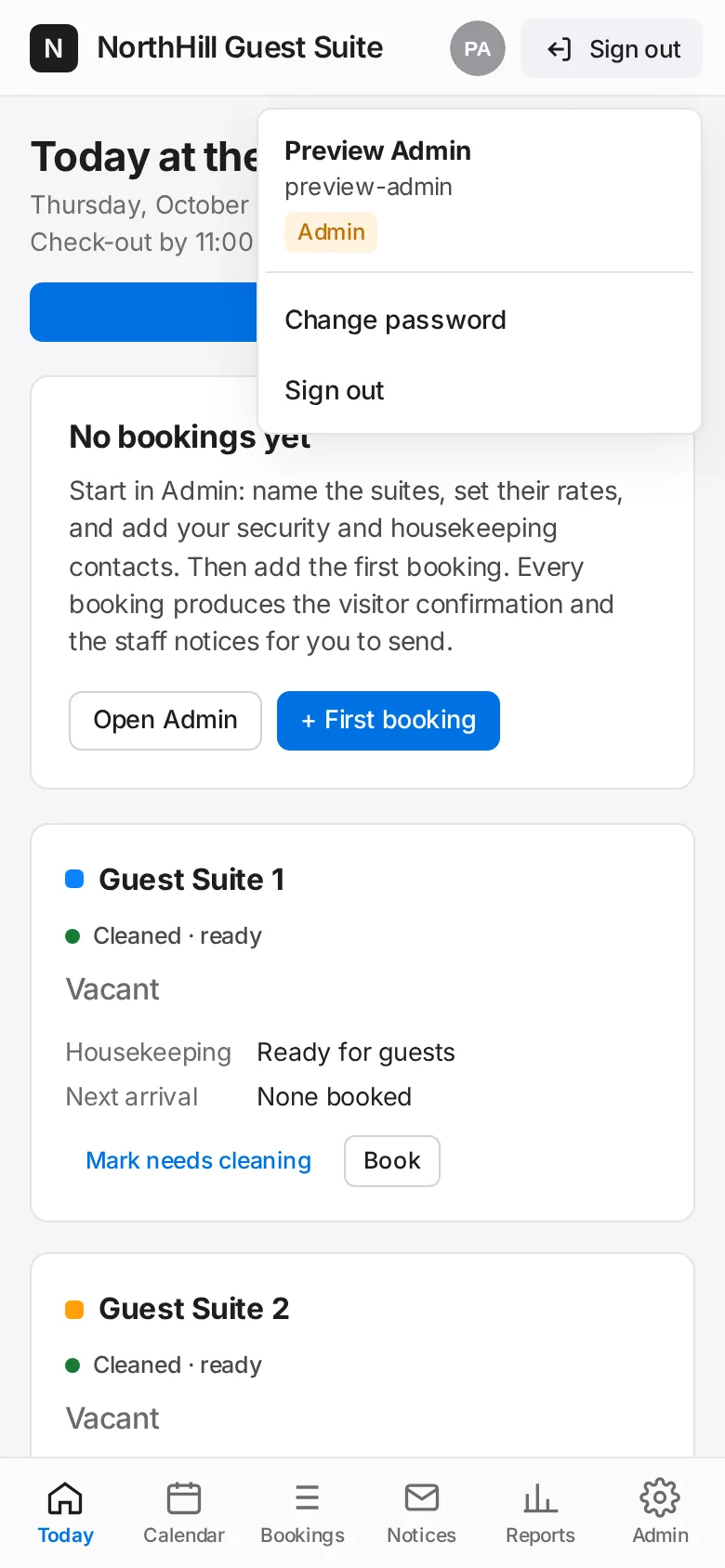
To sign out, tap Your account at the bottom of the menu, then Sign out.