Guest Suite
Send the visitor confirmation and staff notices
Who this is for: Admin, Manager, Concierge
AdminManagerConcierge
Every booking, change, check-in, check-out and cancellation creates notices. Until email is connected you send them from your own mailbox.
Tap Notices. Each booking lists what still needs to go out: the visitor confirmation, the security notice and the housekeeping notice.
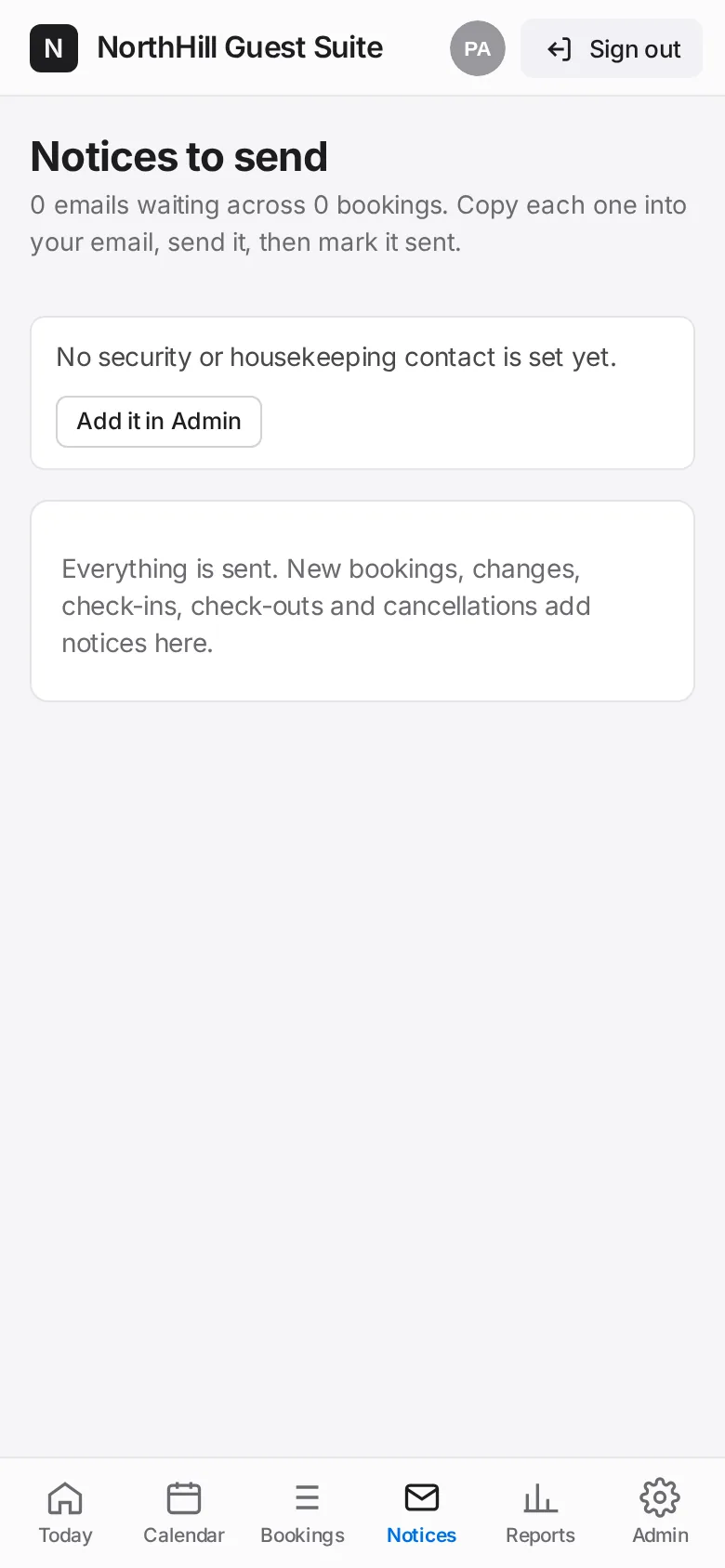
Tap a notice. Tap Copy subject and Copy message and paste them into your email, or tap Create Gmail draft or Outlook draft to open one ready to send.
Once it has gone, tap Mark sent. Tap Not needed to skip one.
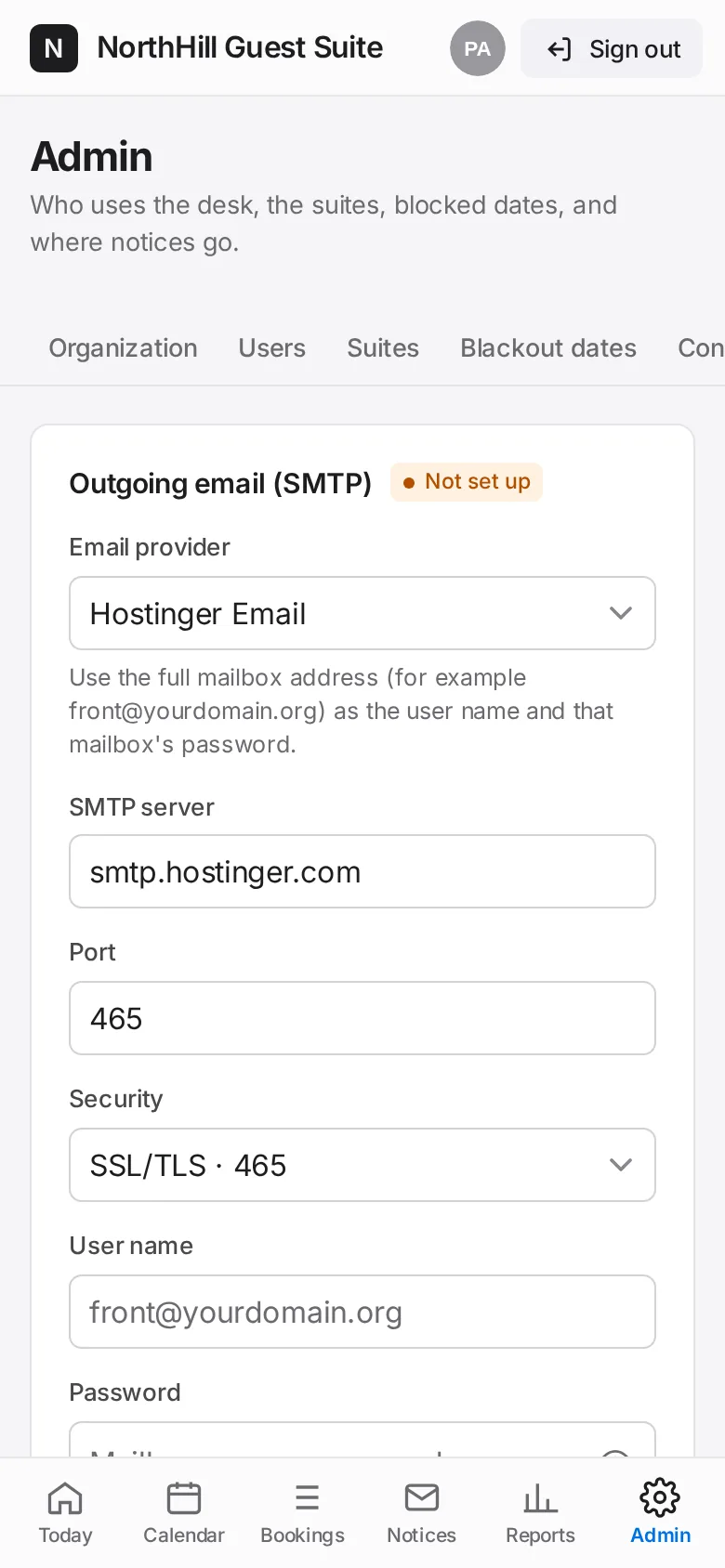
With email connected (Admin → Email) the notice has a Send email button instead, and automatic sending can be switched on.