Guest Suite
Restore a backup
Who this is for: Admin
Admin
Restoring replaces the current data with the backup file. Download a fresh backup first.
Tap Admin → Data & backups and scroll to Restore.
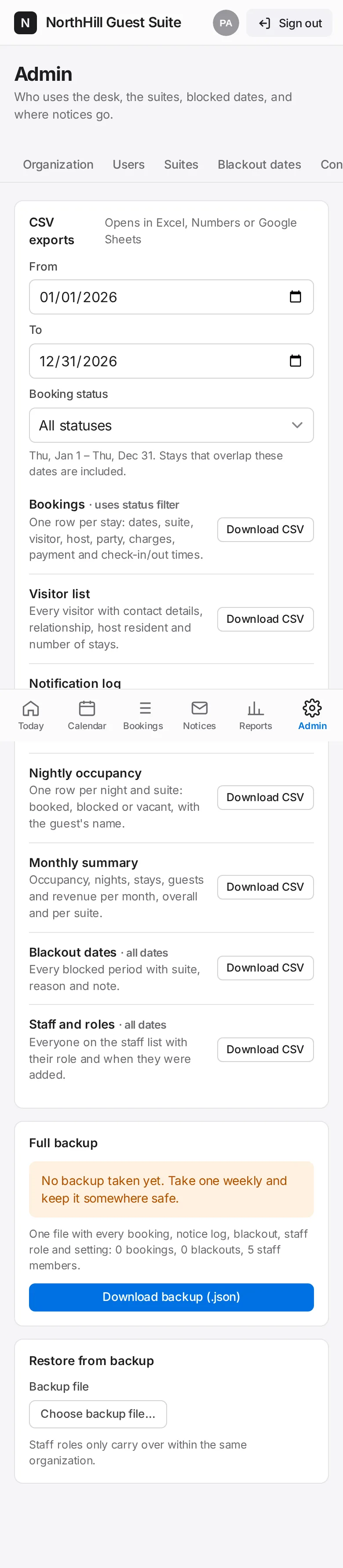
Tap Choose backup file… and pick the .json file you downloaded earlier.
Tap Restore this backup and confirm. Everyone may need to sign in again.