Guest Suite
Block dates (blackouts) and lift a blackout
Who this is for: Admin
Admin
Tap Admin → Blackout dates.
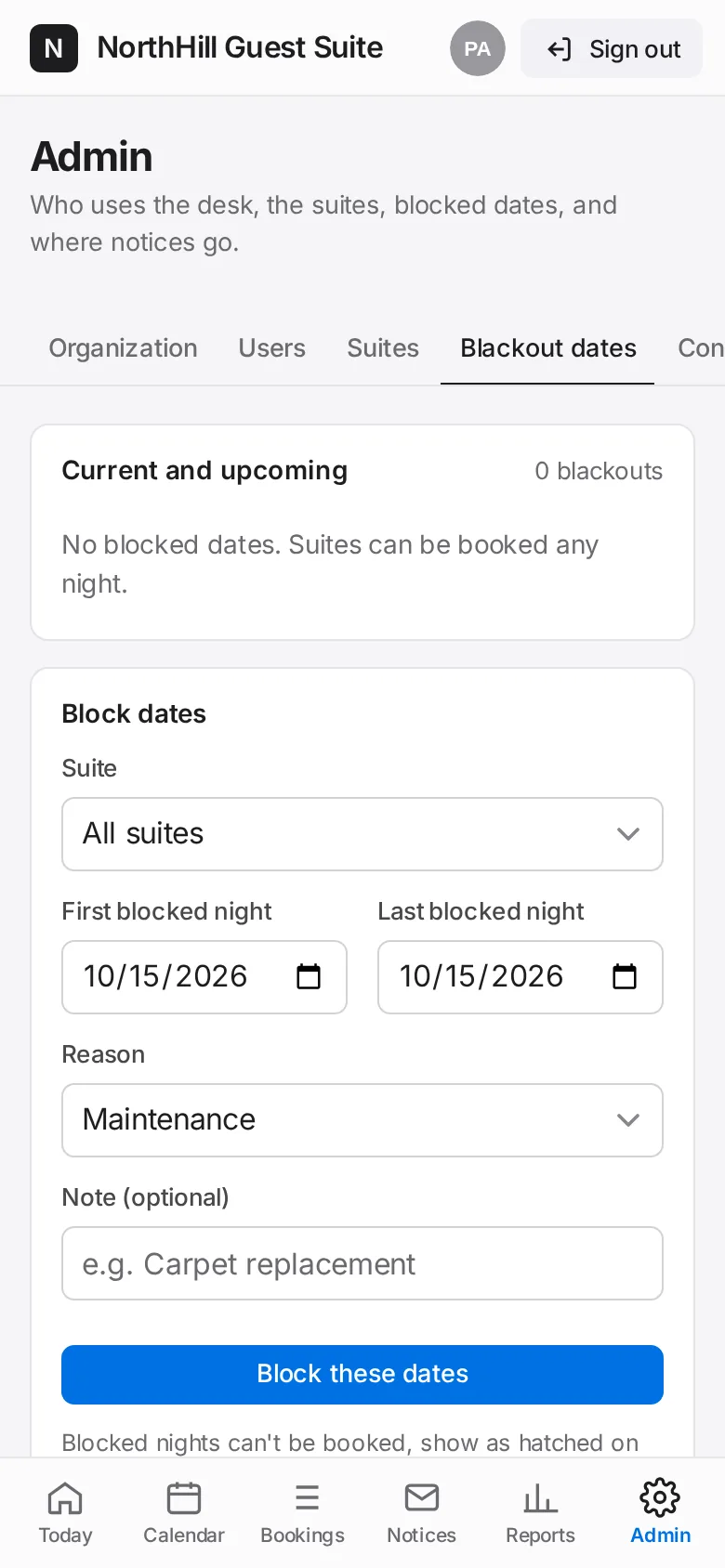
Pick the suite (or All suites), the first and last blocked night and a reason: maintenance, deep clean, renovation, building event or management use. Tap Block these dates.
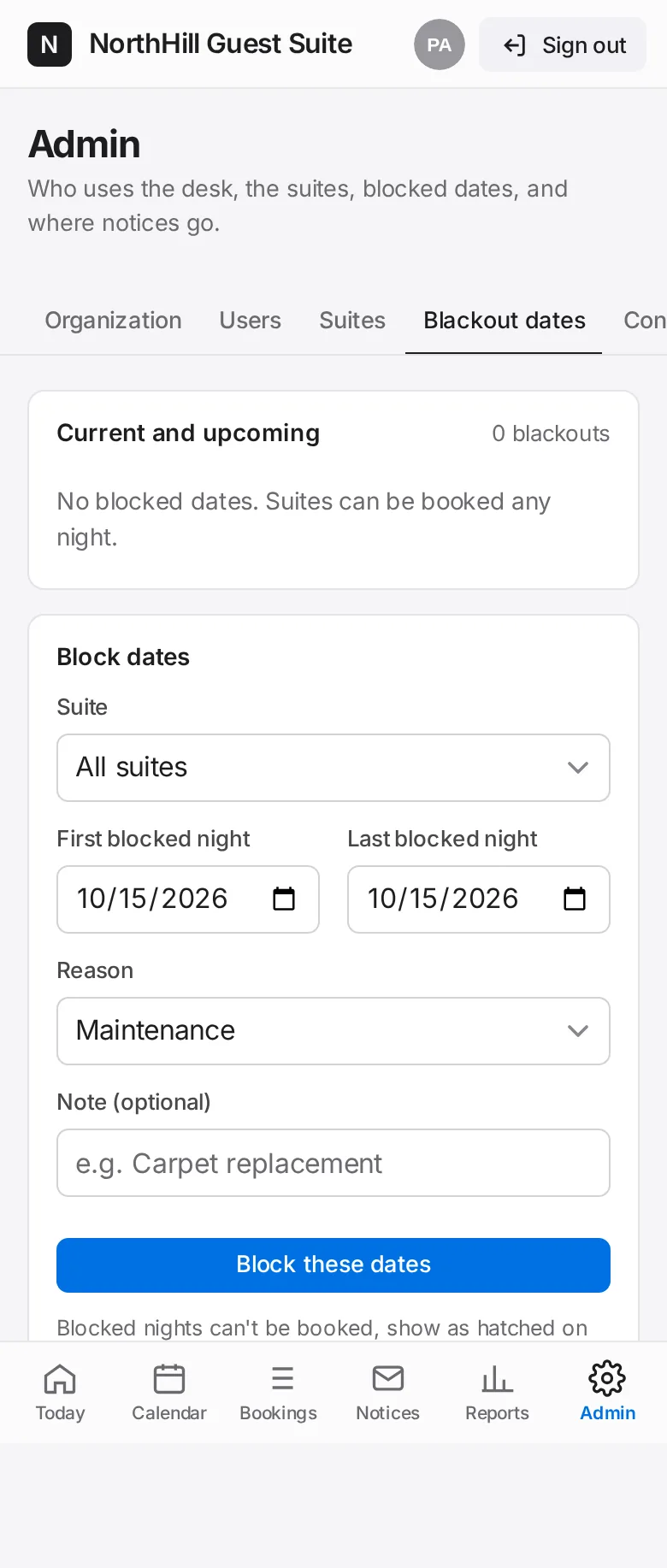
Blocked nights can’t be booked, show hatched on the calendar and are left out of occupancy figures.
To lift one, tap Remove next to it under Current and upcoming, then Lift blackout.