Guest Suite
Add the security and housekeeping recipients
Who this is for: Admin
Admin
Tap Admin → Contacts.
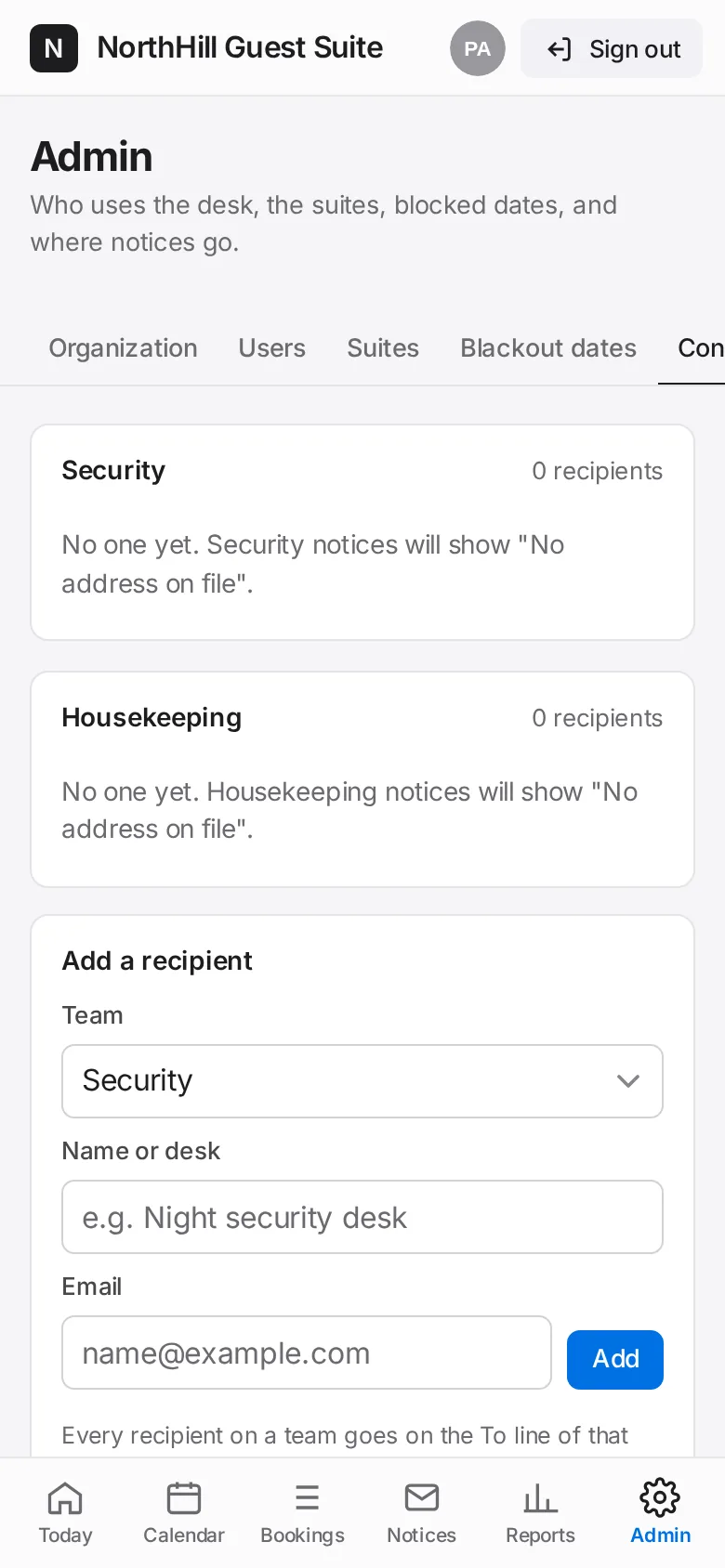
Under Add a recipient choose the team (Security or Housekeeping), enter a name or desk and the email, then tap Add.
Every recipient on a team goes on the To line of that team’s notices. They don’t need a login.