Guest Suite
Add a staff member
Who this is for: Admin
Admin
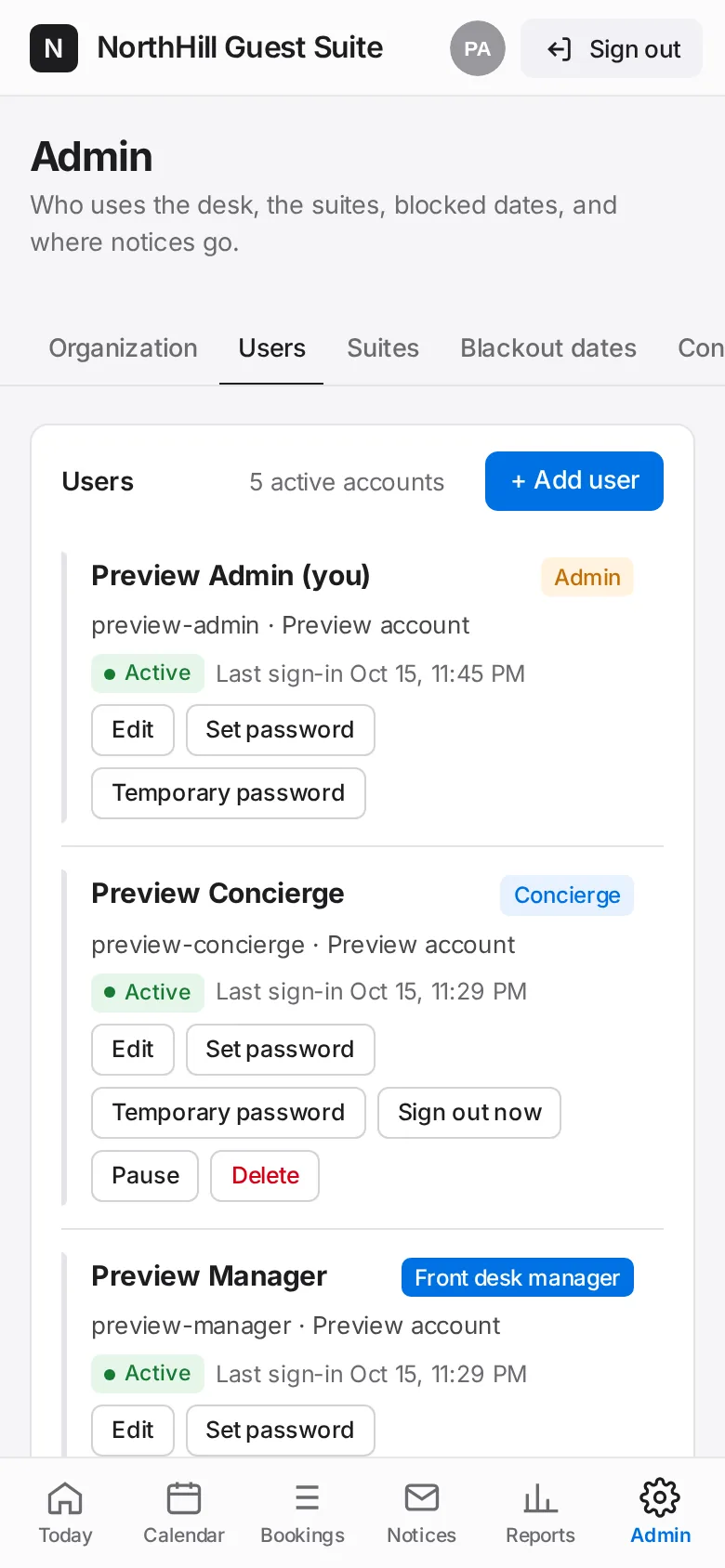
Tap Admin → Users → + Add user.
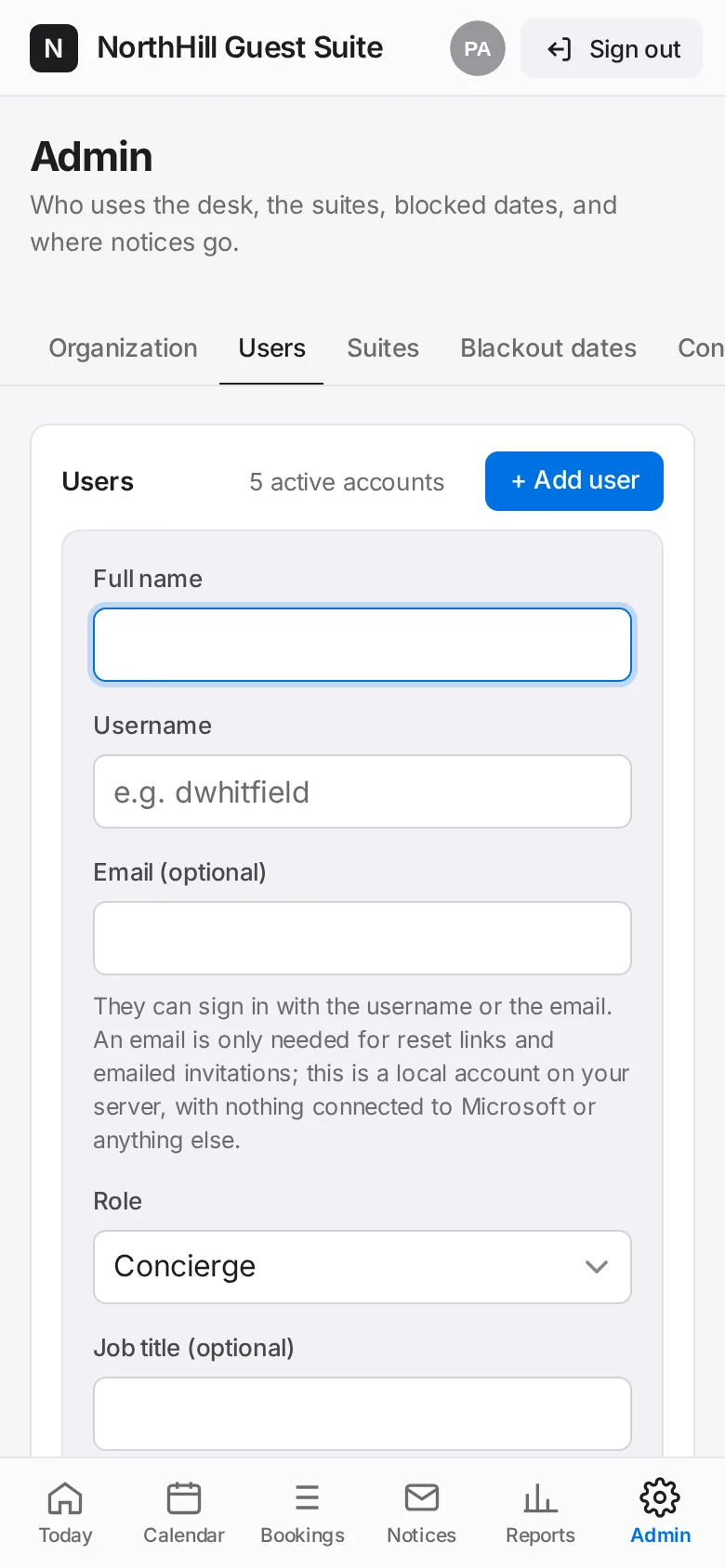
Enter their full name and a username (email optional), pick the role, and add a job title and phone if you like.
Choose how they get a password: set it now, create a temporary one for you to hand over, or email them a link (needs Email set up).
Tap Add user. With a temporary password, copy it and give it to them; they are asked to choose their own at first sign-in.