PurposeFULL Connection
Log hours for a volunteer
Who this is for: Admin
Admin
For service done off-platform or when someone forgot to clock in.
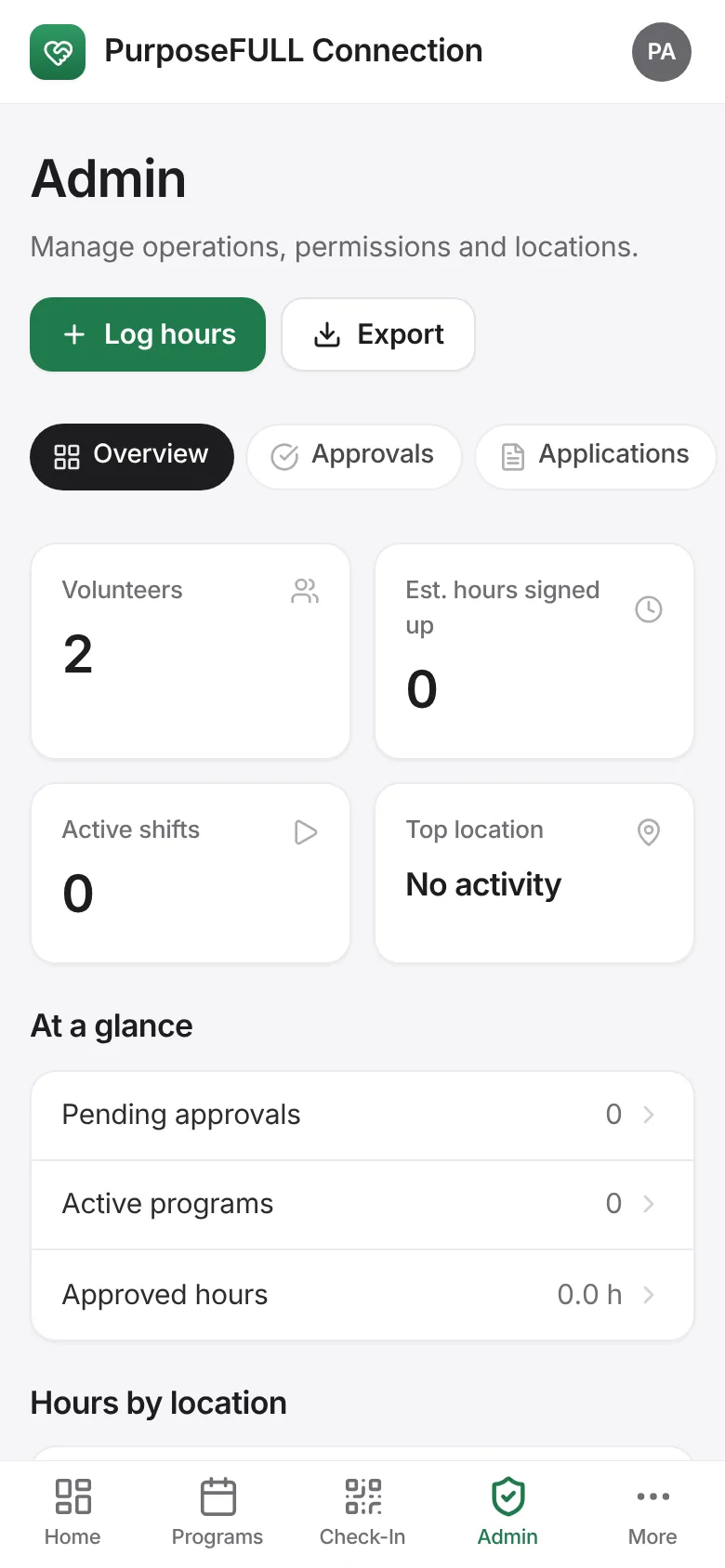
Tap Admin → Overview → Log hours.
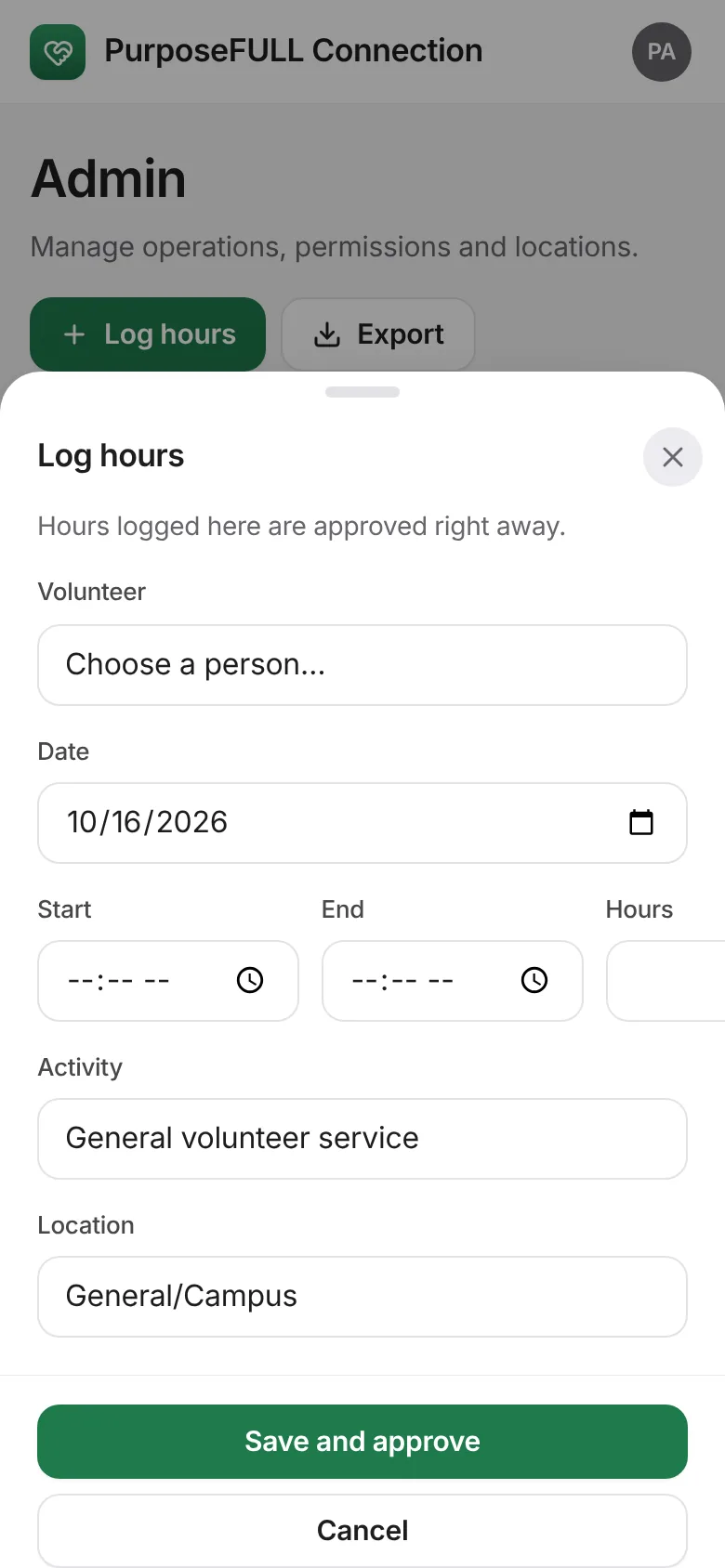
Pick the volunteer, the date, start and end (or hours), the activity and location. Tap Save and approve.
All PurposeFULL Connection guides PurposeFULL Connection FAQ