PurposeFULL Connection
Getting started as a Resident volunteer
Who this is for: Resident volunteer
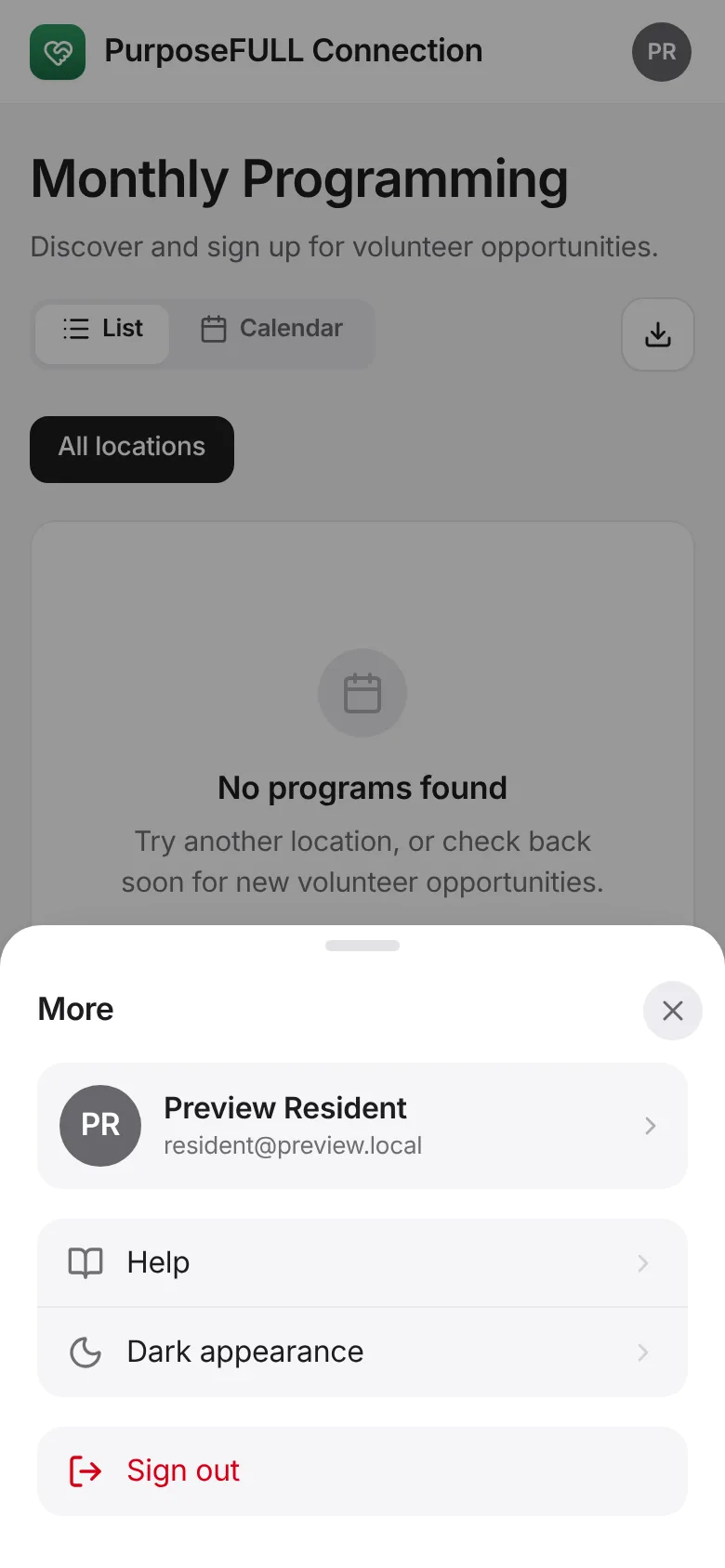
Four tabs run your volunteering: Programs, Training, Hours and Chats. More holds your profile, help and sign out.
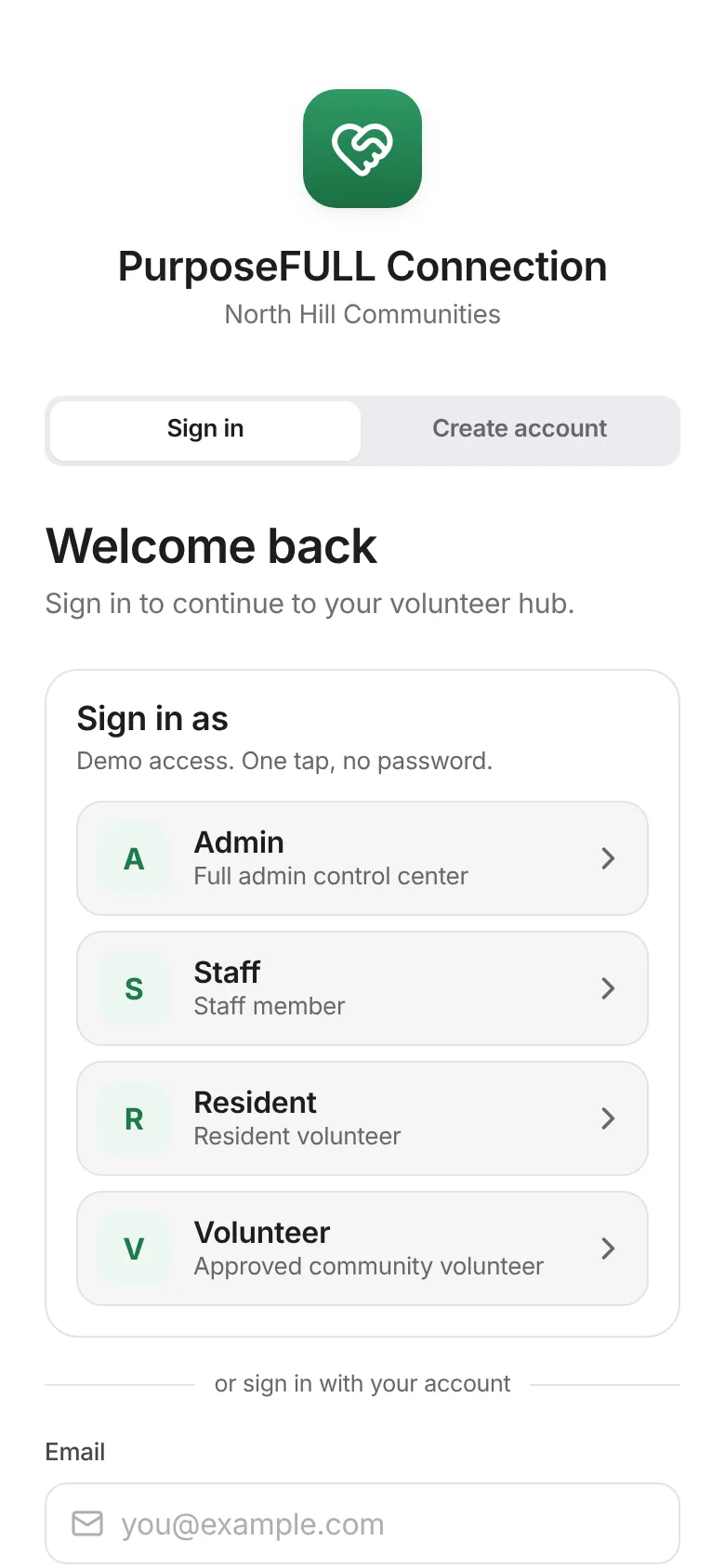
Sign in with the email and password you set up (or tap Create account the first time and choose North Hill resident).
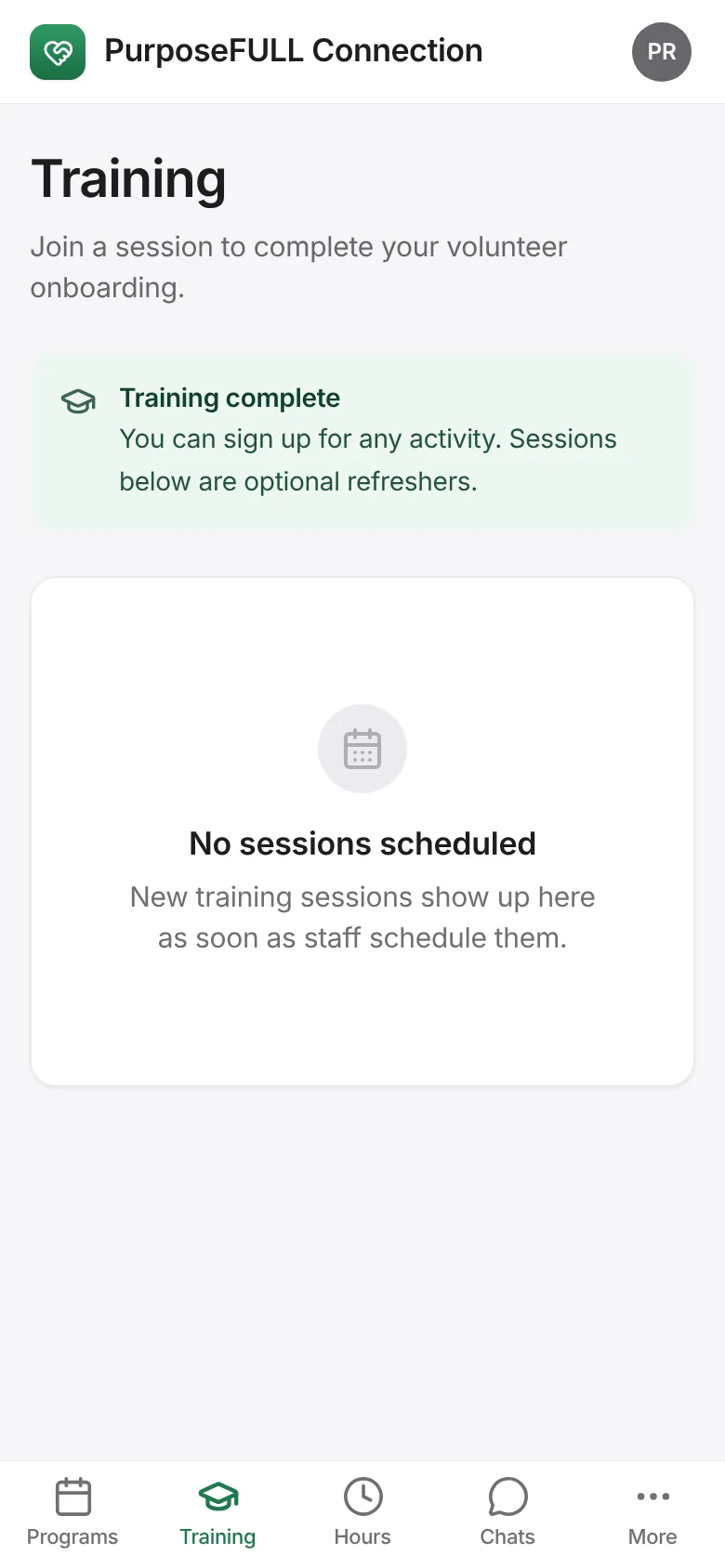
Tap Training and complete your onboarding: sign the waivers and register for an orientation session.
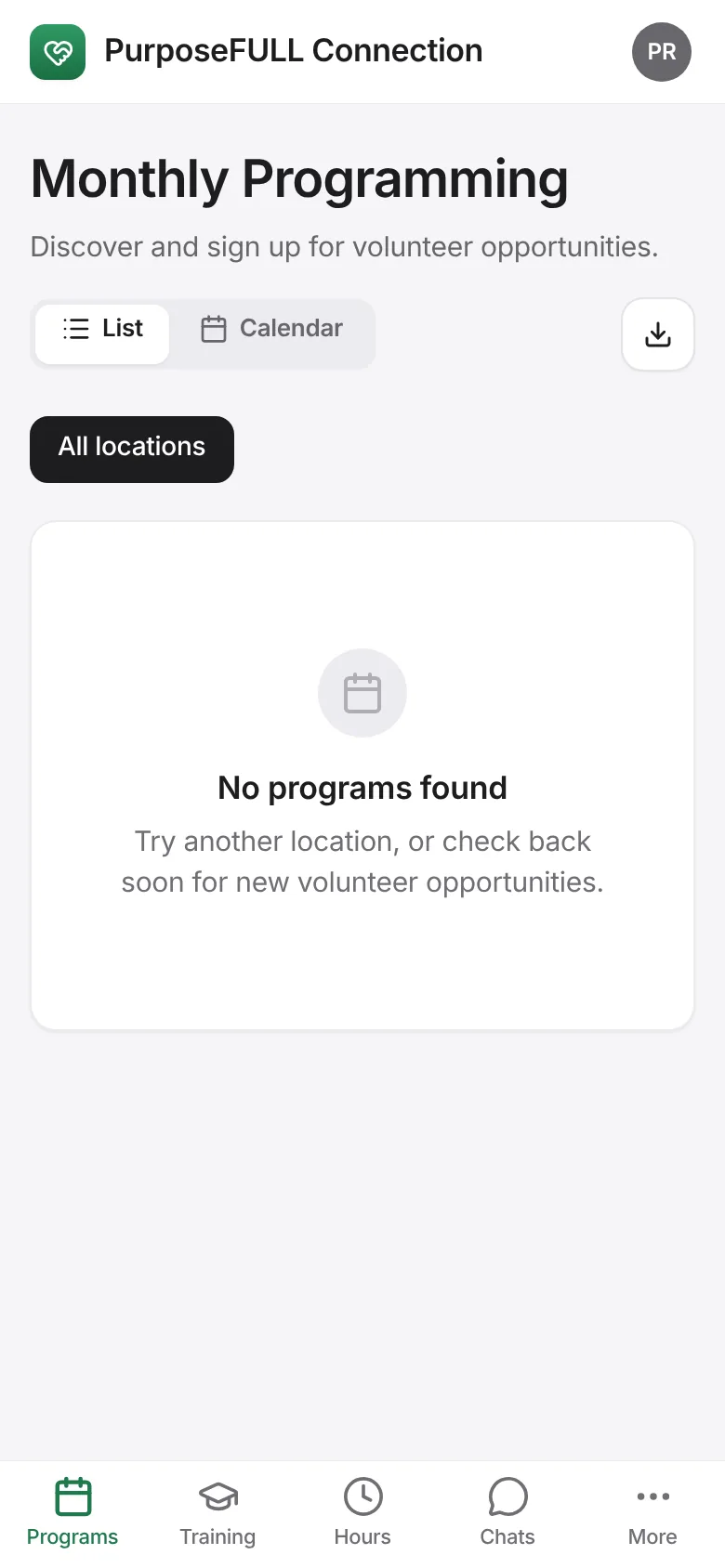
Tap Programs to browse opportunities as a list, a calendar or a schedule, and tap Sign up on the ones you want.
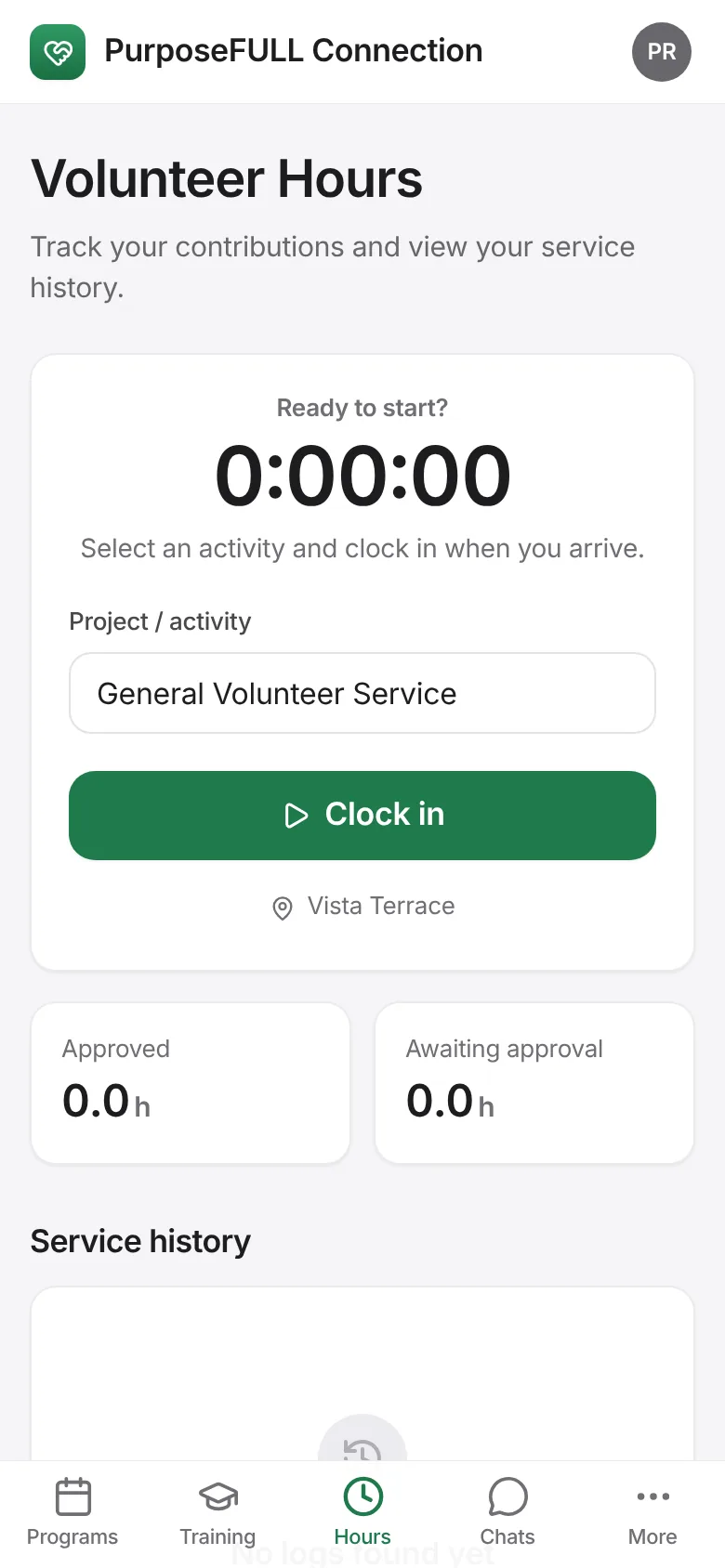
On the day, open the program and tap Show pass so the coordinator can check you in, then clock in and out under Hours.
Tap More to see your profile, switch on dark appearance or open the in-app help center.
All PurposeFULL Connection guides PurposeFULL Connection FAQ