PurposeFULL Connection
Edit, message or cancel a program
Who this is for: Admin
Admin
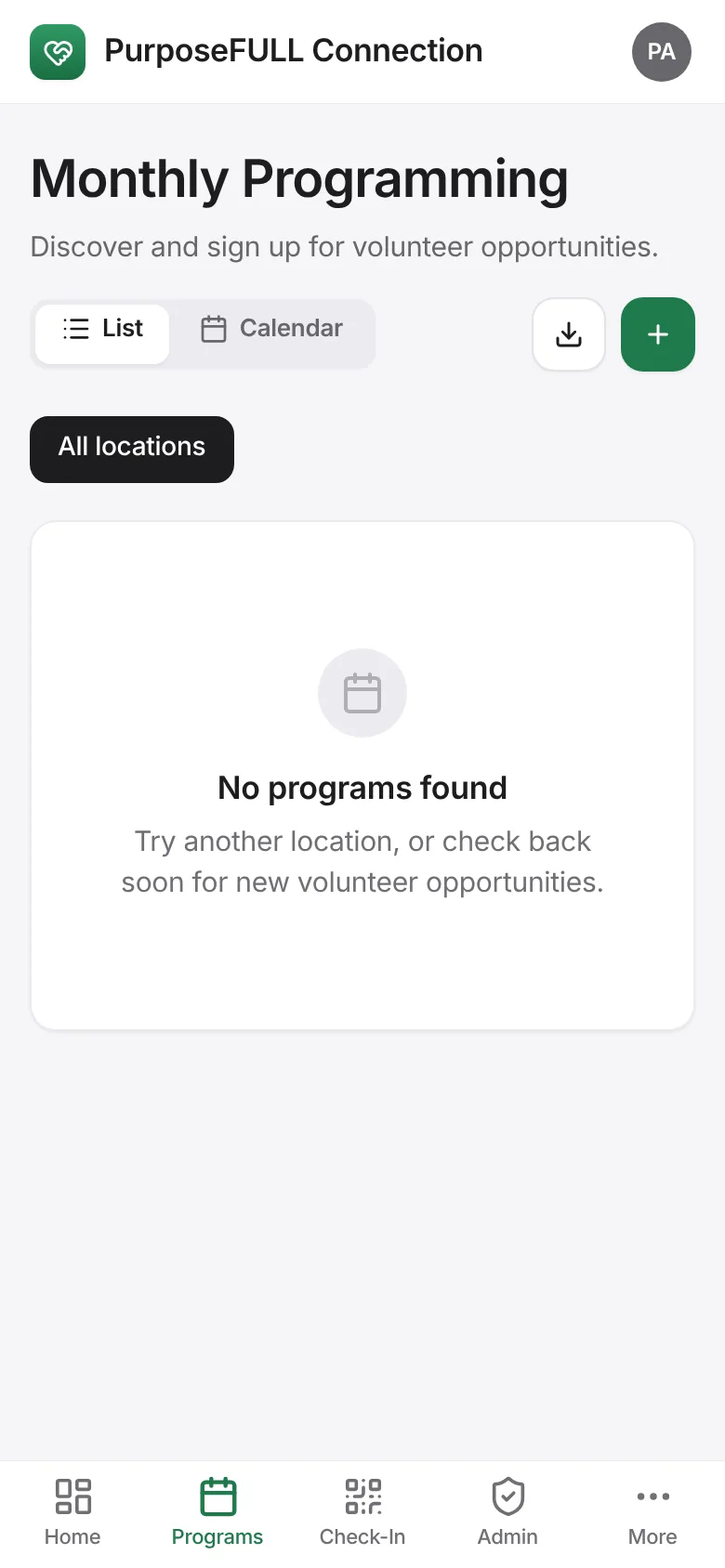
Tap Programs and open the program.
Change the name, date and time, location, volunteers needed or instructions. Tap Save and notify to email everyone signed up, or Save without notifying.
Tap Message to send an update (subject and message) to the volunteers on it, or add a volunteer by name with Add.
Cancel removes the program and tells the volunteers.
All PurposeFULL Connection guides PurposeFULL Connection FAQ