PurposeFULL Connection
Approve or reject hours
Who this is for: Admin
Admin
Tap Admin → Approvals. Hours waiting for approval are listed with the volunteer, activity and time.
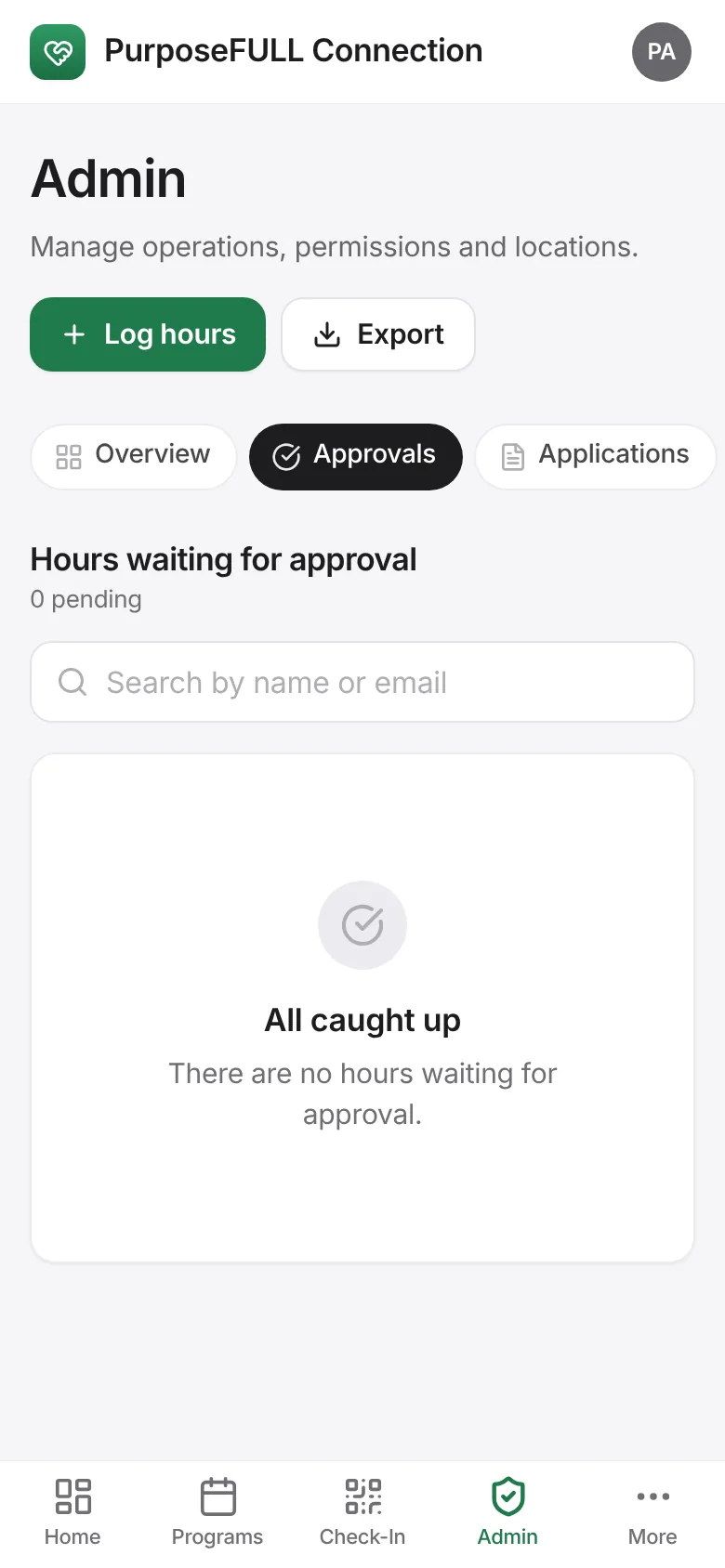
Tap Approve or Reject on each entry. Approved hours show in the volunteer’s history, analytics and reports.
All PurposeFULL Connection guides PurposeFULL Connection FAQ