CoreFitness
Run reports and export CSV
Who this is for: Staff, Admin
StaffAdmin
Tap Reports and choose 7, 30 or 90 days.
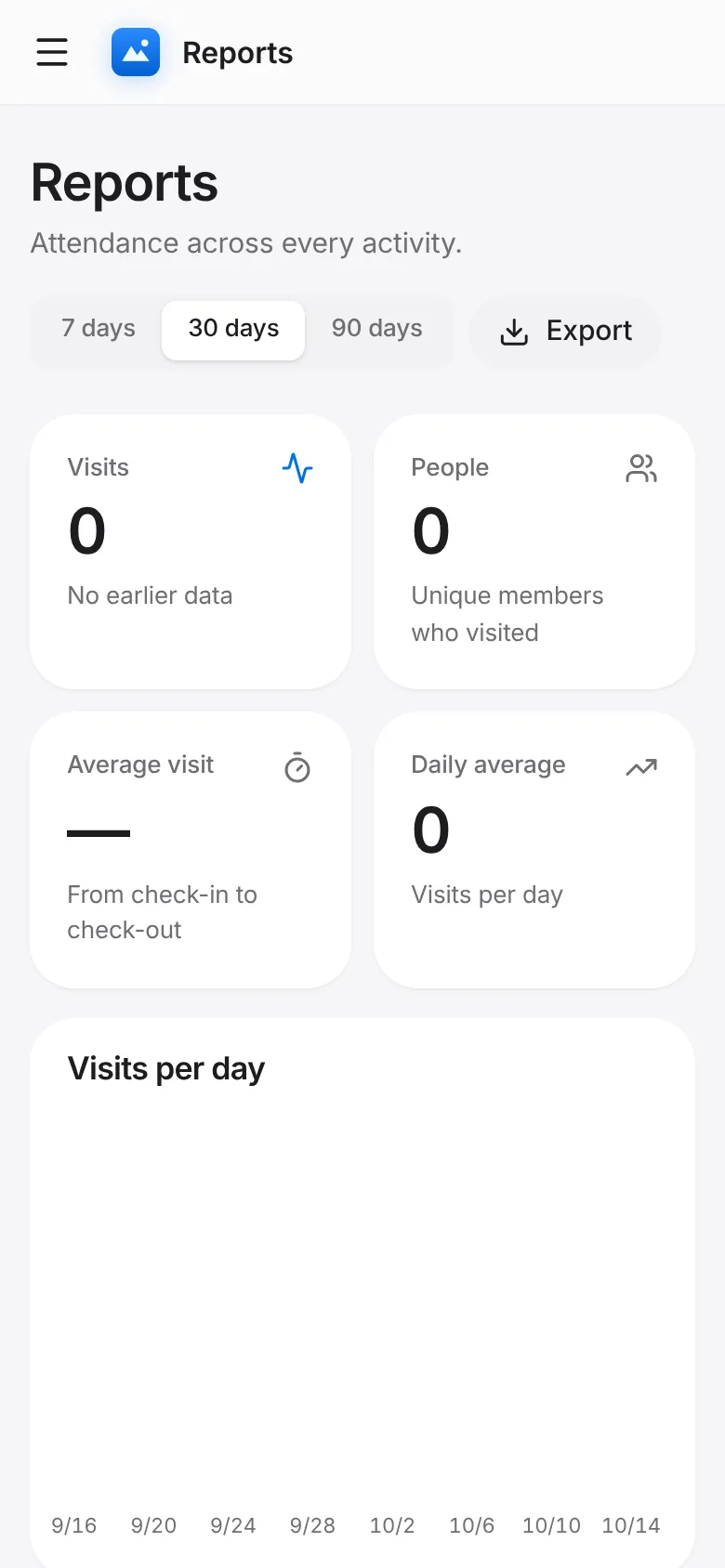
Read visits, unique people, average visit length, visits per day, by activity, by check-in method, by member type, busiest times and most active members.
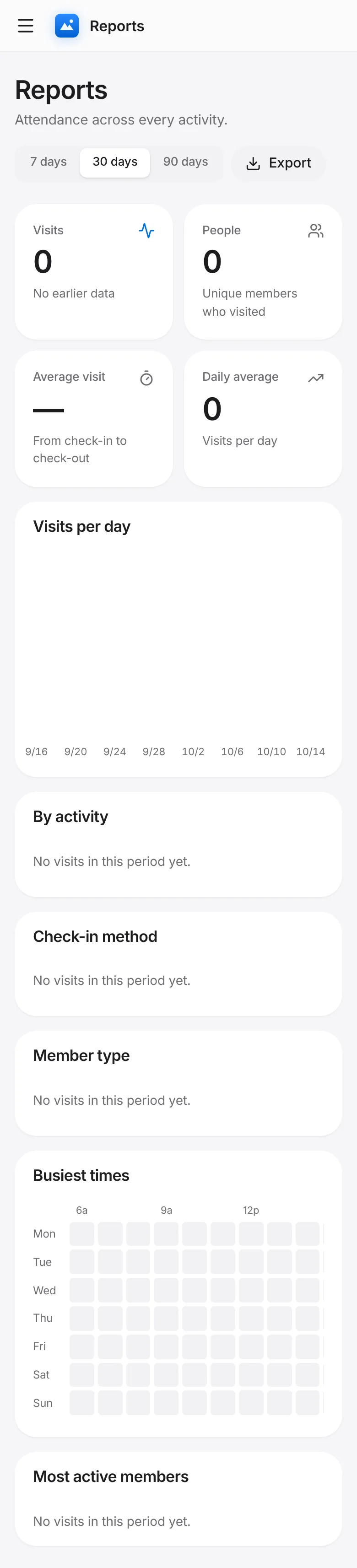
Tap Export for a CSV of the range.