CoreFitness
Check in at the kiosk
Who this is for: Members at the kiosk
Members at the kiosk
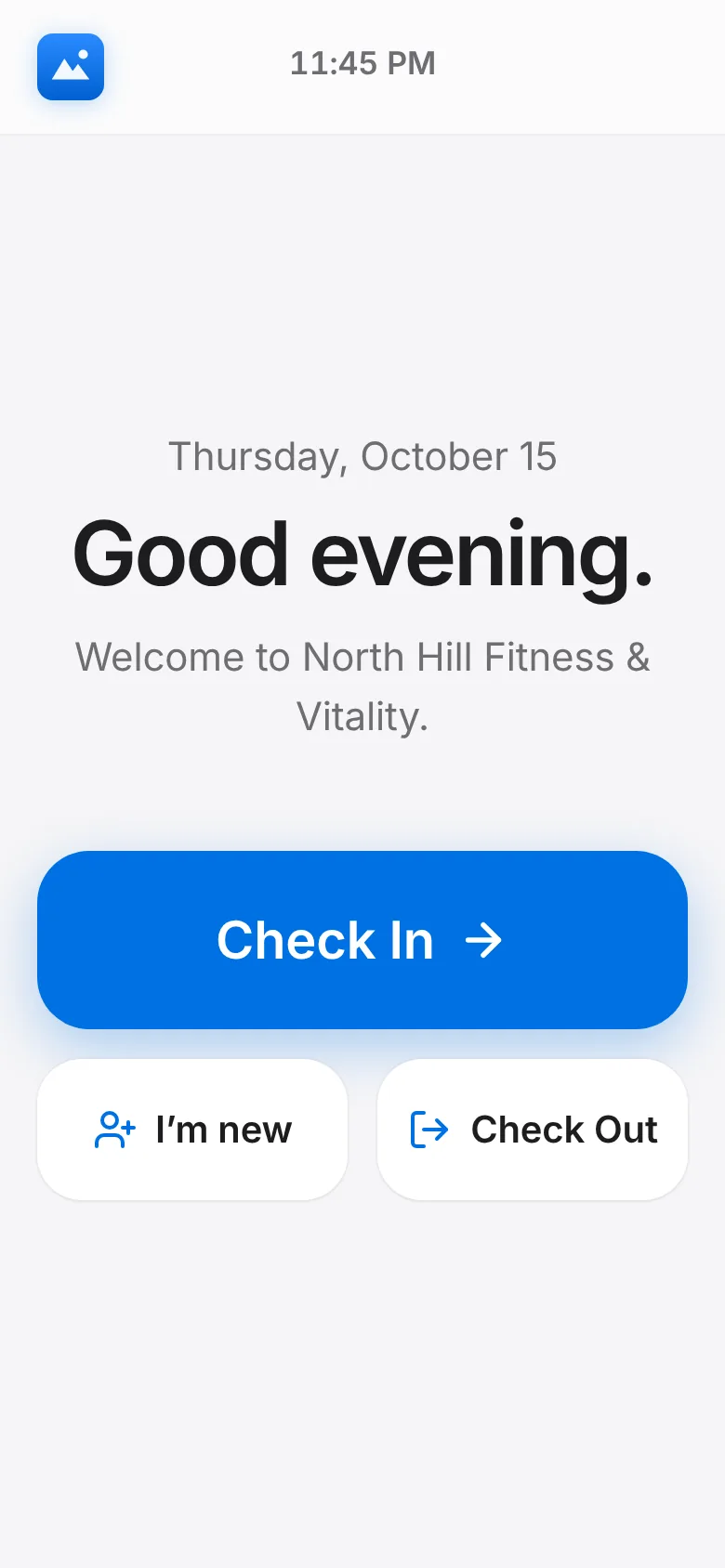
Tap Check In.
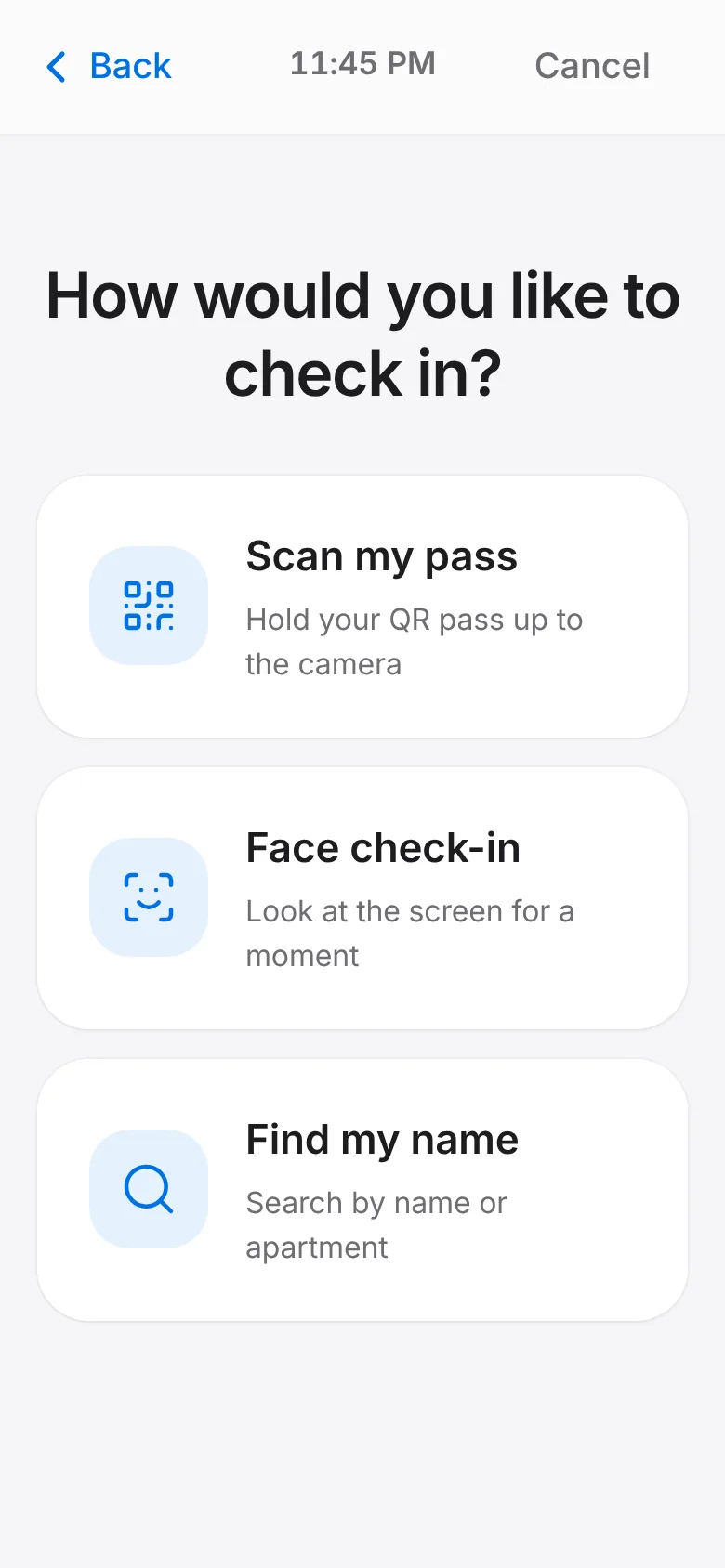
Choose how: Scan my pass, Face check-in or Find my name.
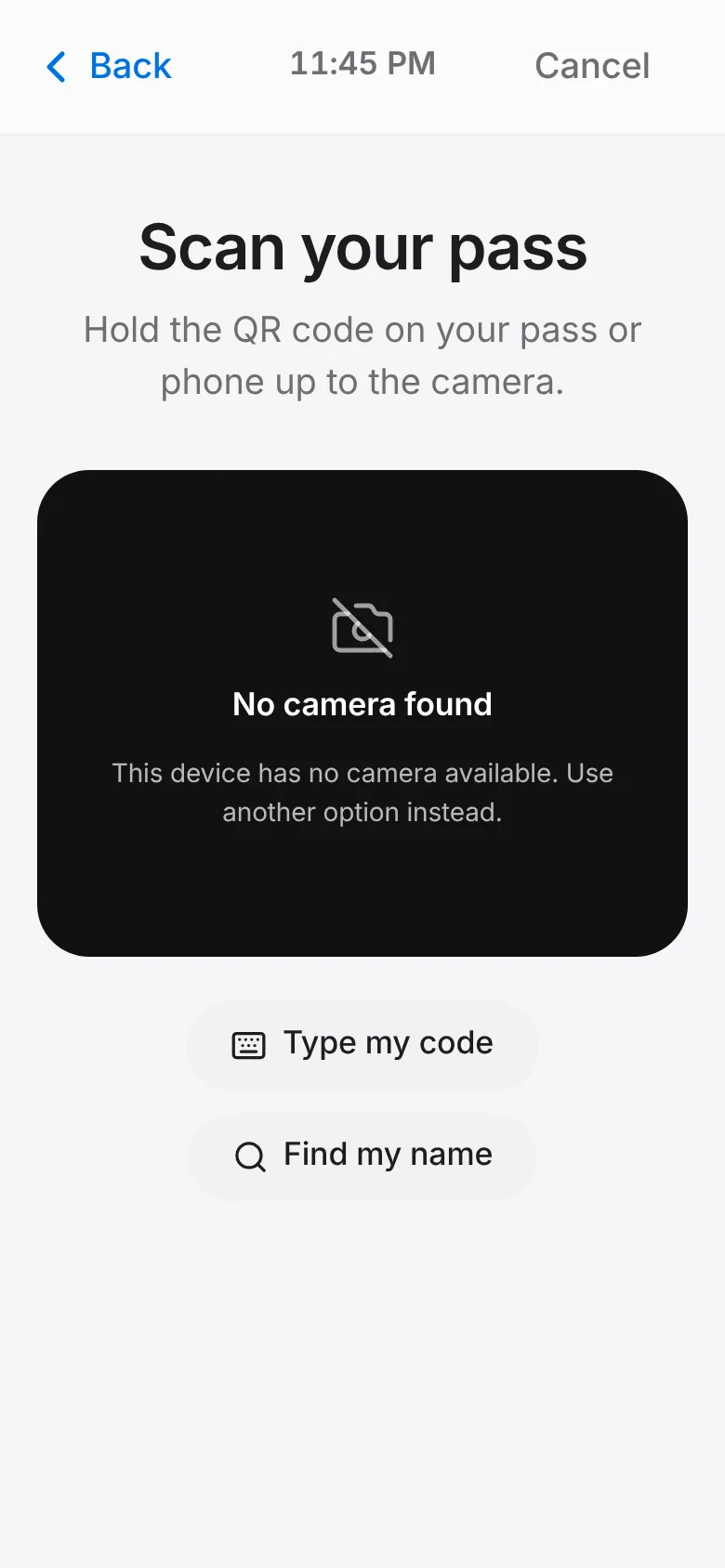
Scan my pass: hold the QR code on your pass or phone up to the camera. No pass with you? Tap Type my code.
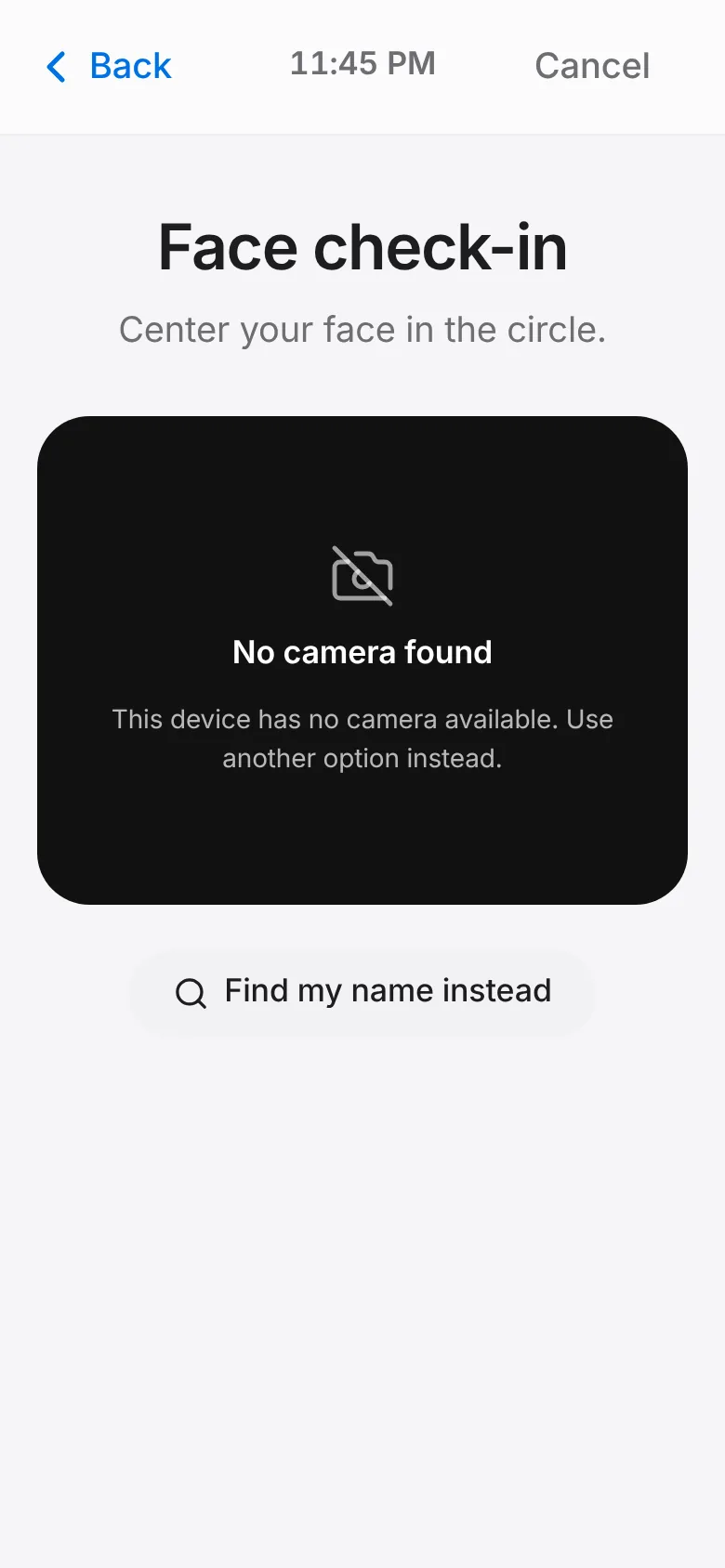
Face check-in: centre your face in the circle and hold still for a moment.
Find my name: type your name or apartment and tap That’s me.
Pick the activity you came for. The kiosk says “Hi, you’re checked in” and returns to the start.