CoreFitness
Add a staff account
Who this is for: Admin
Admin
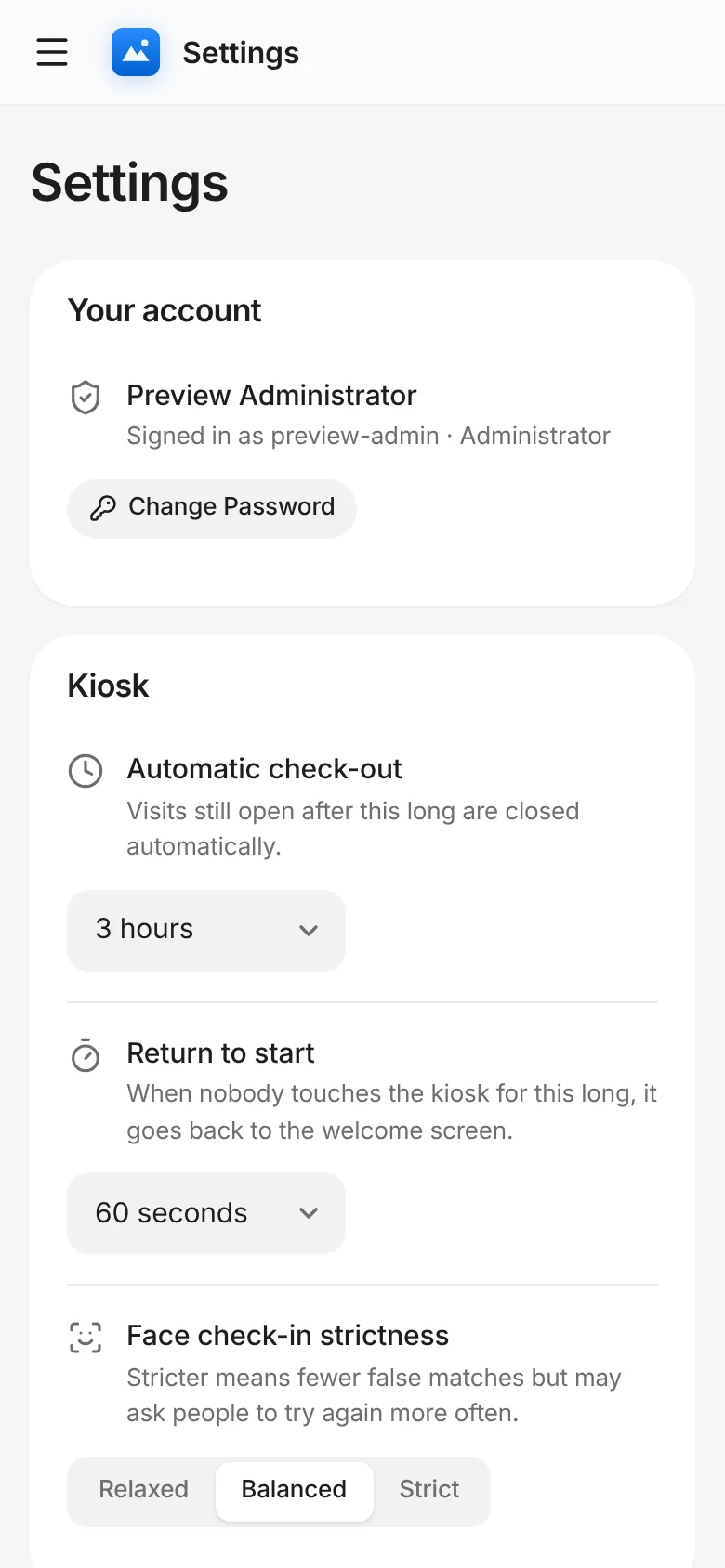
Tap Settings → Staff accounts → Add.
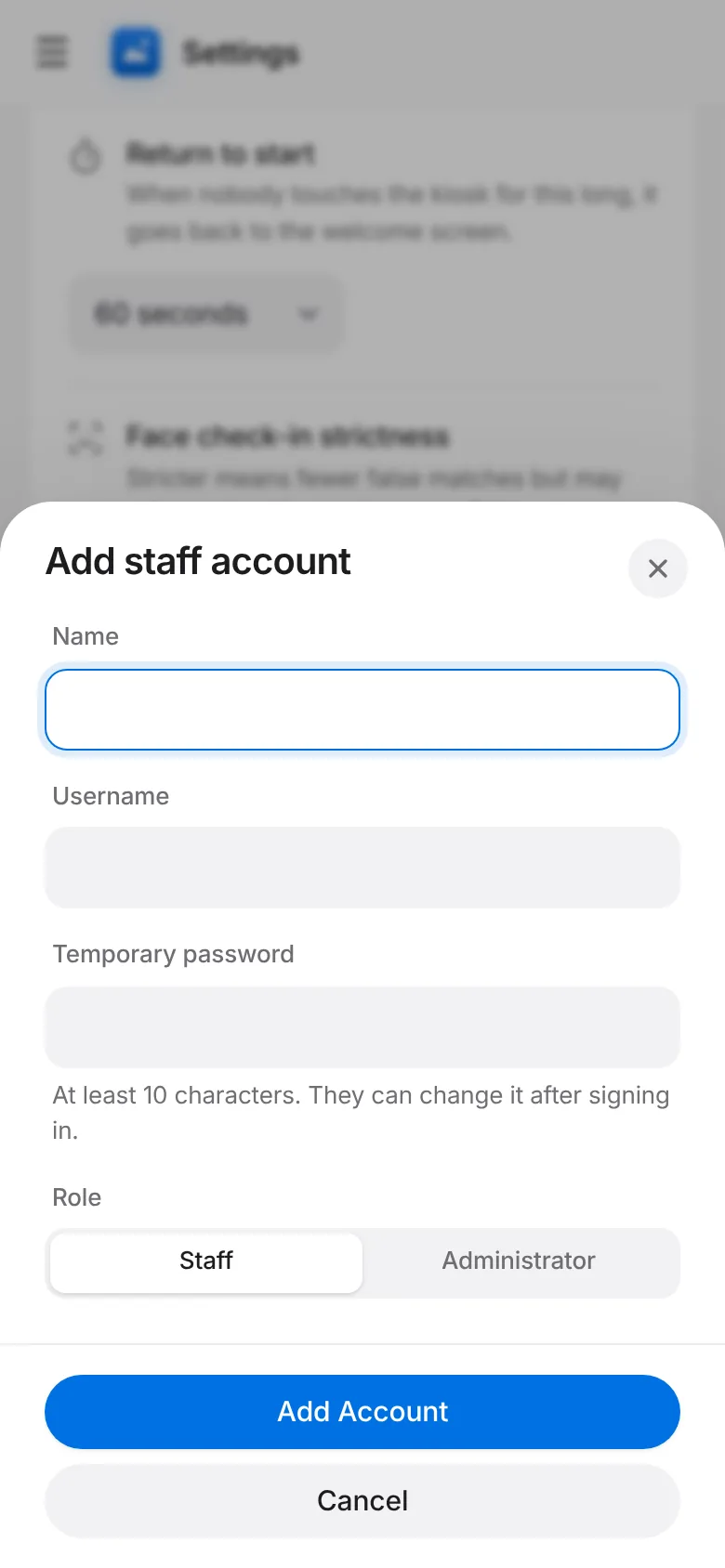
Enter their name, a username, a password and whether they are Staff or Admin. Save.
Tap Reset Password next to a person to give them a new one, or Remove to delete the login.